
Audacity (Linux, macOS, Windows)
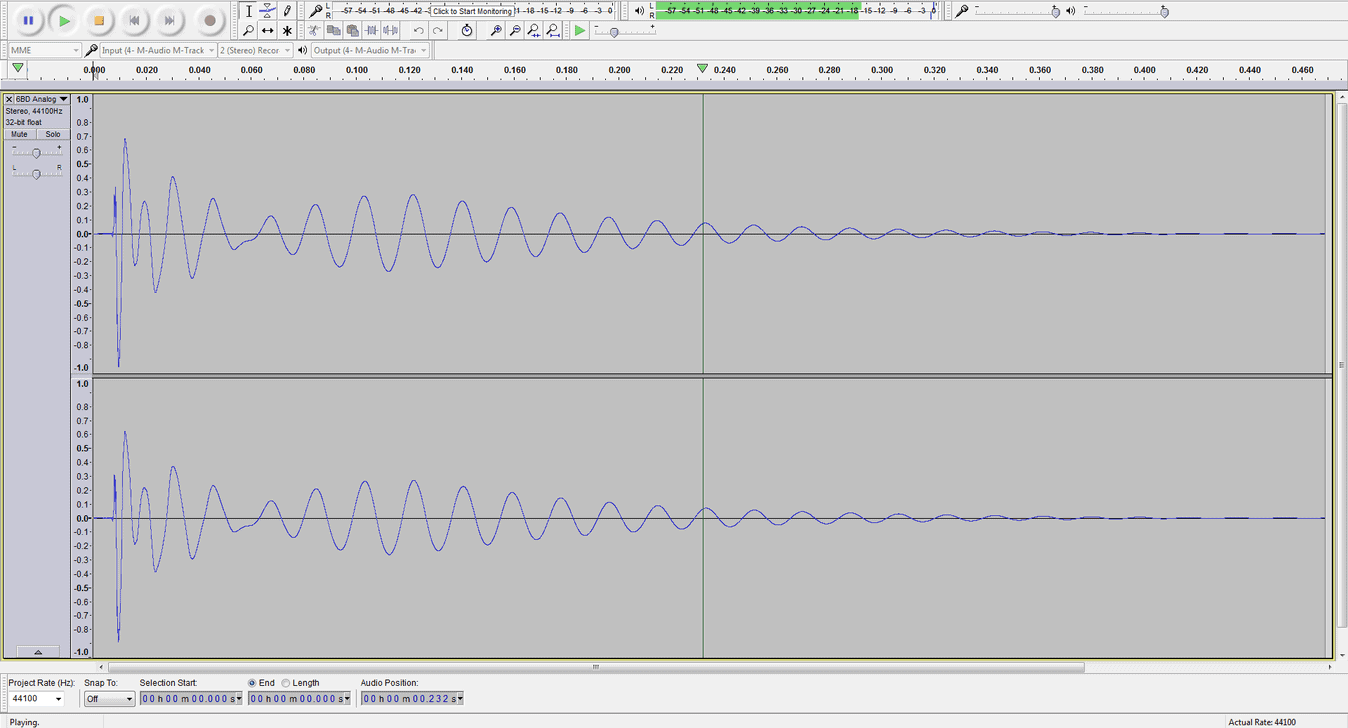
For recording and basic audio editing, Audacity is still considered to be the best freeware audio editor by most users. I’ve been using it for years (it’s one of the first audio-related apps I’ve ever installed) and it’s always been a very reliable and stable piece of audio editing software. For recording, cutting audio files, adding fade-ins and fade-outs, or applying effects, Audacity is a great choice. The program can also load third-party VST plugins and comes with its own set of (pretty decent) effects.
One aspect of Audacity that isn’t so great is the user interface. It kept the same, bland grey look throughout the years, and would definitely benefit from a facelift. On the other hand, the simple UI design makes Audacity one of the best performing audio editors on this list and is a good choice if you haven’t updated your computer hardware in some time.
Audacity works equally well on Windows, Mac OS, and Linux. You can download 32-bit and 64-bit versions of the program for all platforms. It is also available as a portable app, which is fantastic for users who like to transfer their audio editing tools between multiple computers.
Download: Audacity (25.8 MB)
2. Wavosaur (Windows)
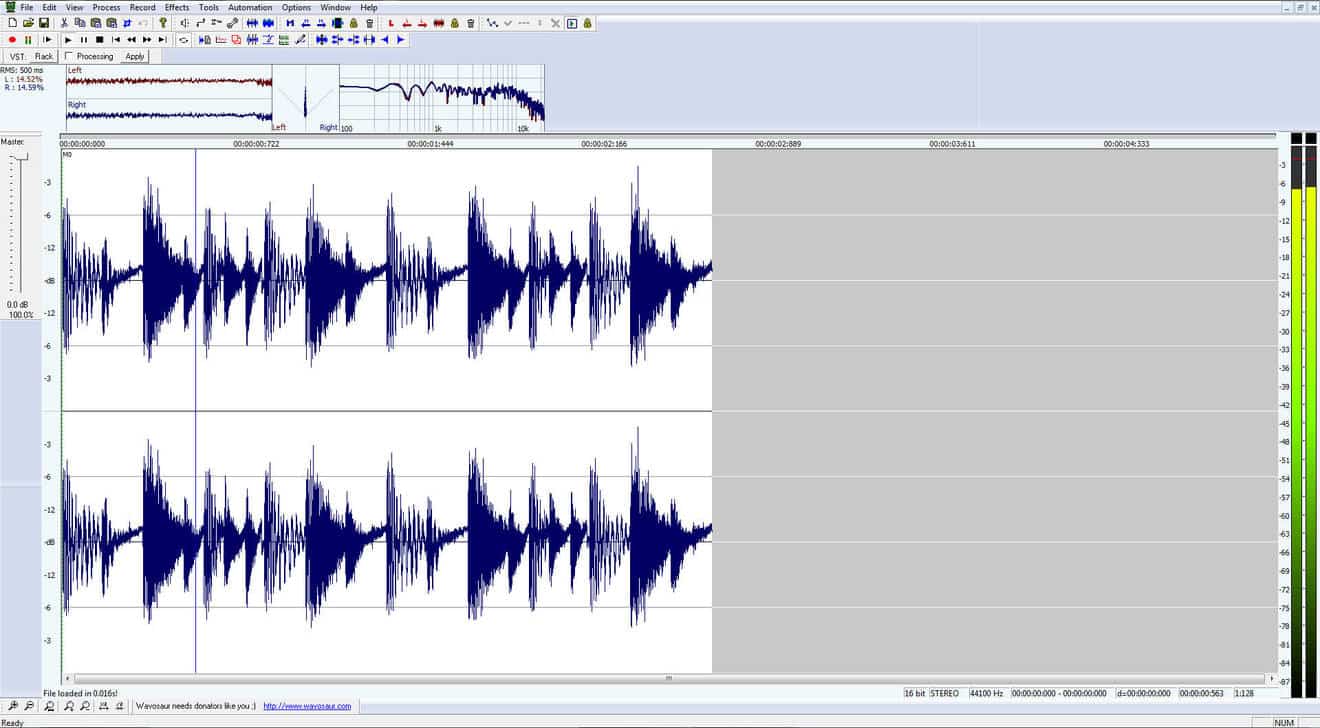
For the most demanding of editing tasks, I still stick to using Wavosaur. It can get buggy sometimes (most noticeably when using VST plugins), but most of the time it works just great. It’s also a handy tool for batch processing and converting a large number of audio files. The things that make Wavosaur stand out from the competition are its extremely fast and streamlined workflow and the handy loop editing features.
Download: Wavosaur (1.3 MB)
3. ocenaudio (Linux, macOS, Windows)
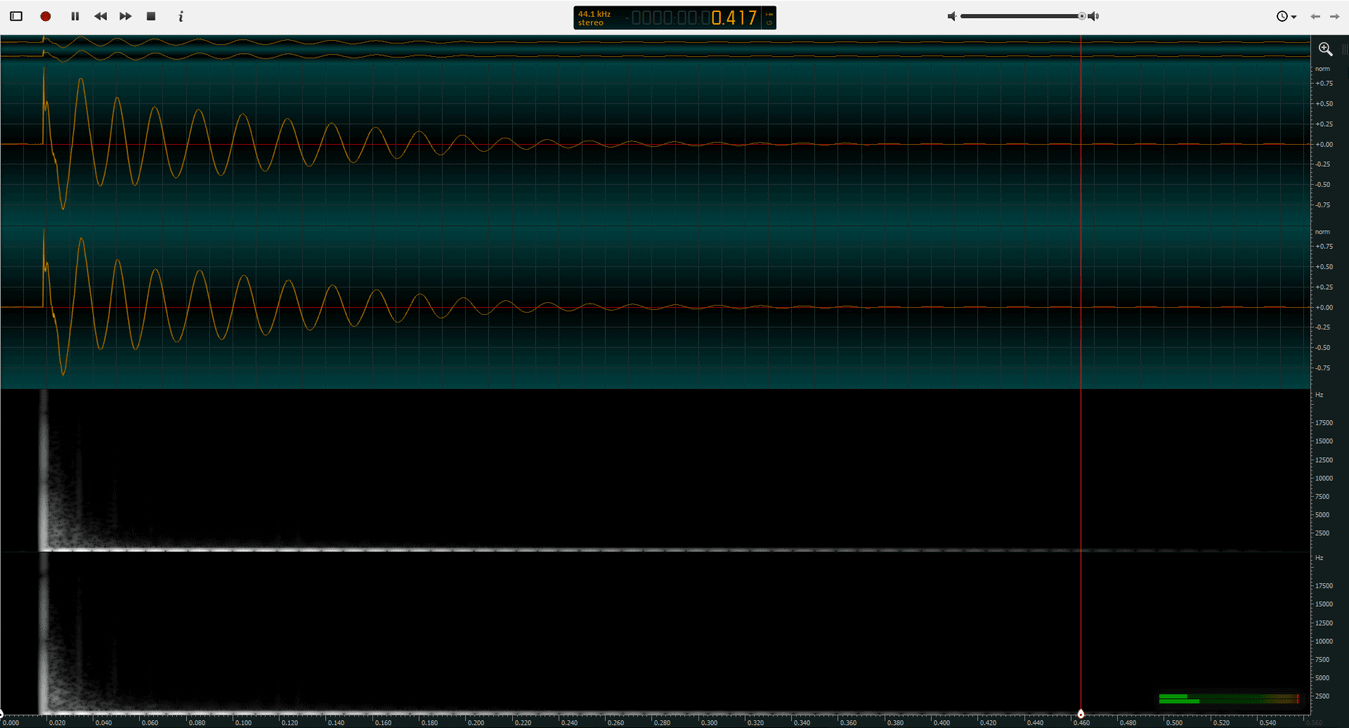
ocenaudio was introduced back in 2013 and has since become a rather capable and fully stable audio editor. It is a fully cross-platform audio editor (both Windows, macOS, and Linux versions are available) that loads VST effects, supports editing of large audio files, and has a clean, modern-looking interface. The software is lightweight and a portable version of the app is also available.
The clean user interface makes ocenaudio the best-looking freeware audio editor on the market. It seems that most other audio editing programs on this list are stuck in the early 2000s design-wise, but this is not the case with ocenaudio. Another strong point is the software’s streamlined user interface. ocenaudio is optimized for handling the most important audio editing tasks quickly.
Download: ocenaudio (42.4 MB)
4. WaveShop (Windows)
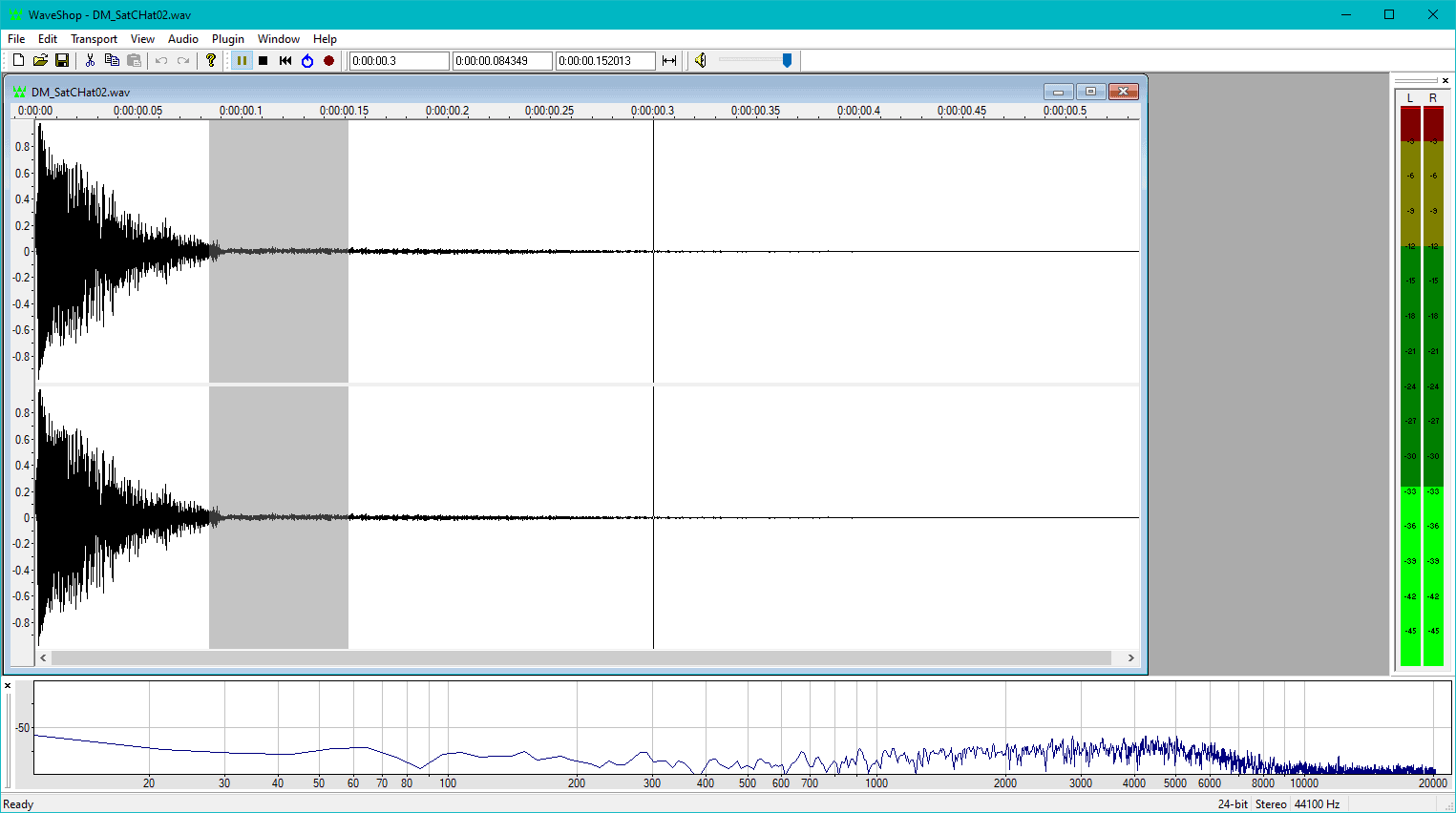
WaveShop is a portable open-source audio editor for Windows. The cool thing about WaveShop is that it is a bit-perfect audio editing program. What this means is that samples aren’t altered unless the user changes them intentionally. This allows for precise, surgical micro edits of a rendered audio file. For example, such a feature is useful when fine-tuning a mastered track without corrupting its dither.
Feature-wise, WaveShop offers the essential audio editing features but not more than that. It comes with a small set of effects and provides all the editing tools needed in a basic audio editor. Tools like normalization, zero-crossing detection, sample rate conversion, audio format conversion, and audio fade in/outs are all included. WaveShop is focused on workflow efficiency and speed while delivering bit-perfect audio editing.
Download: WaveShop (3.19 MB)
5. Acoustica Basic Edition (Windows, discontinued)
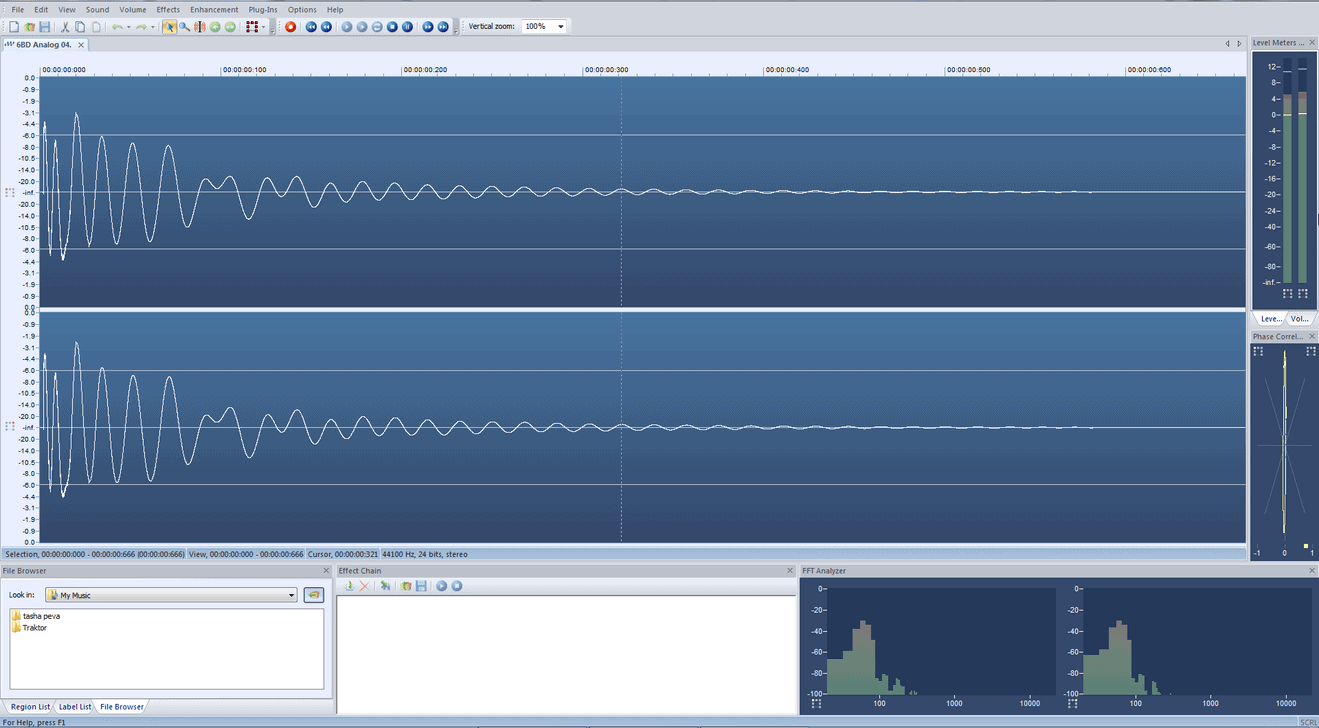
Acoustica Basic Edition is an older version of Acon Digital’s flagship audio editor. Sadly, the Acoustica Basic Edition app is now discontinued. It can still be downloaded from the developer’s website but it won’t be updated. Only a 32-bit Windows installer is available.
Despite being a lightweight free version of a commercial application, Acoustica Basic Edition is still a very capable audio editor, with several features you definitely won’t find in other freeware alternatives (convolution reverb and a virtual phono preamp, for example). This program also supports VST effects and features a handy set of analysis tools in the main window.
Download: Acoustica Basic Edition (4.65 MB)